
Screen at eye level
Use a laptop stand with a separate keyboard and mouse so the screen comes up.
Home & hybrid working
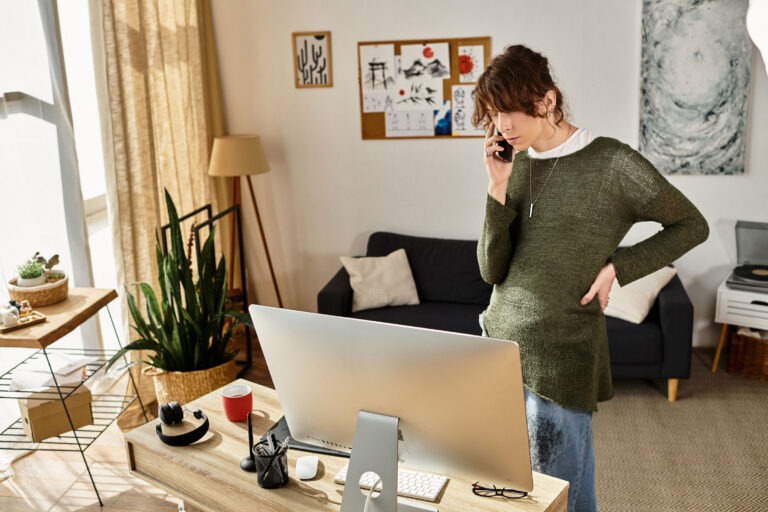
Kitchen tables, laptops on low shelves, the sofa "just for an hour" that became all day. Home setups cause plenty of aches. Here's how to fix yours, and what to do if the pain still won't shift.

A laptop forces a choice between a sore neck (screen too low) or strained wrists (hands too high). Add a dining chair with no support and your body quietly pays for it every day.
The checklist
When setup isn't enough
Then it probably isn't your desk. It's more likely a movement or joint problem that needs hands-on care. A quick video check will tell you which, and what to do about it.
Do it today
A stack of books brings the screen towards eye level in seconds.
Pop it behind your lower back for instant support.
Stand up, roll your shoulders, walk to the kettle. Repeat.

Hybrid working
Splitting the week between home and the office means adjusting to two different setups. Small differences in screen height or chair support add up, and your body notices before you do.
A video check can review both setups and give you one simple routine that works in either place.
For short spells, yes. For full days, raise the laptop so the top of the screen is at eye level and use a separate keyboard and mouse, otherwise your neck or wrists take the strain.
Sit with your feet flat and your thighs roughly level, with your forearms level with the desk. If your feet don’t reach the floor at that height, use a footrest.
Yes. In a video consultation we’ll look at your workspace and posture with you, suggest adjustments, and tell you whether in-clinic treatment would help. It includes £20 off a future clinic appointment.
Our osteopaths are here to help you work, rest and play - better.

Osteopathy and sports-injury care in West Hampstead (London NW3) and Maidenhead, Berkshire. Muscle & joint specialists since 1988.
 Registered with the General Osteopathic Council
© 2026 Body Back-Up Limited · UK company no. 03690671

 Trustpilot